AI tools are becoming part of daily work. People use chat interfaces to summarize documents, coding agents to inspect repositories, and LLM APIs to automate internal workflows. The productivity gain is real, but so is the risk: prompts, files, logs, tool output, source code, and conversation history often contain personal data, credentials, customer information, or sensitive internal context.
That is the problem OUTGATE.ai is built to solve.
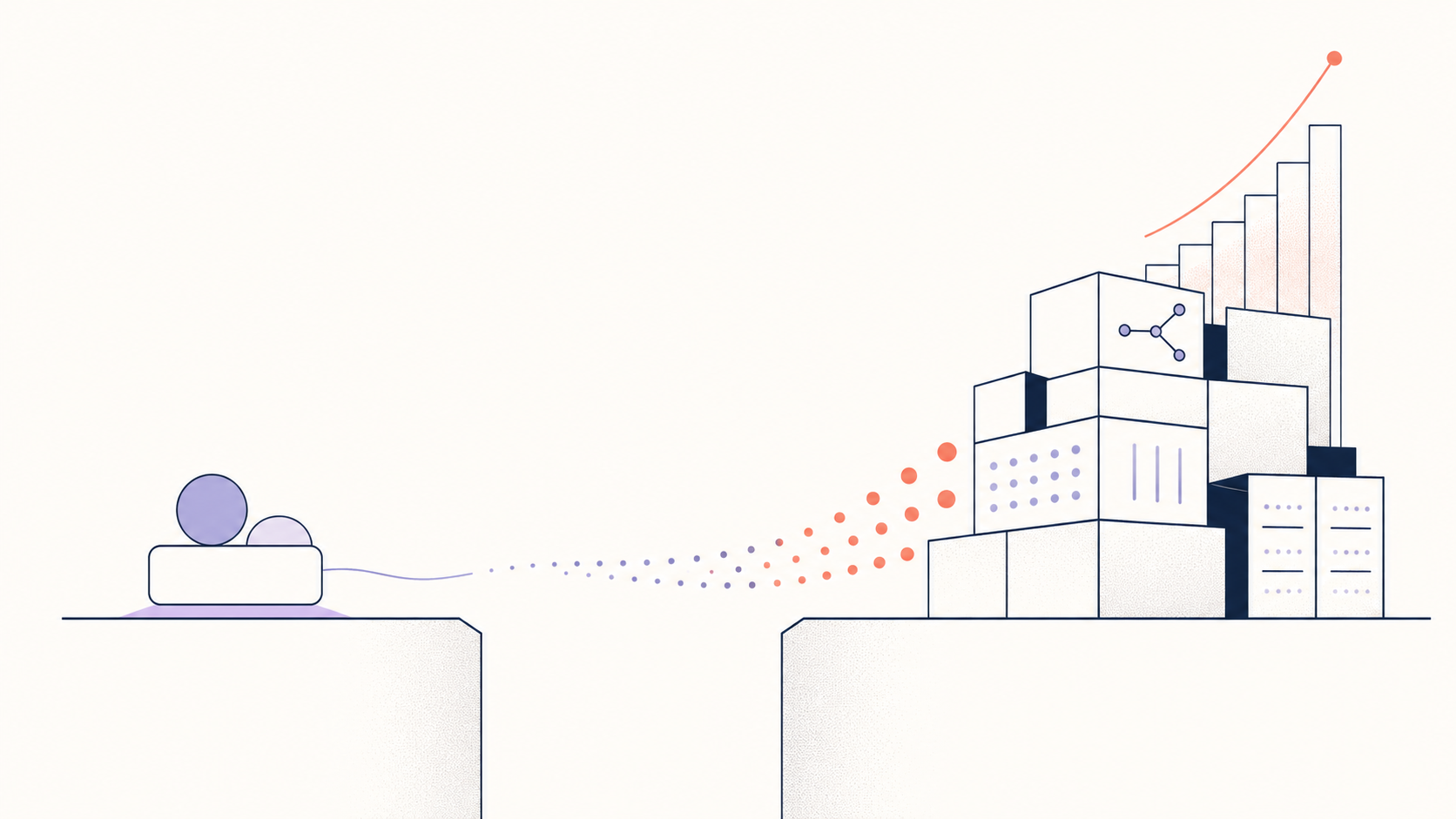
OUTGATE.ai is an AI gateway and guardrails platform that sits between your AI clients and the model providers you use. Instead of sending every request directly to OpenAI, Anthropic, a local model, or a custom backend, traffic goes through a controlled gateway path first. There, OUTGATE.ai can apply guardrails, route requests, observe usage, and protect sensitive values before they reach the upstream model.
The video below gives a practical walkthrough of that flow, starting with a protected chat session and then moving into a coding-agent workflow with Claude Code and the og CLI.
What the video shows
The demo starts with the core idea behind OUTGATE.ai: a gateway placed between the client and the LLM backend. When a request contains sensitive information, OUTGATE.ai detects it before the request is forwarded. The matched value is replaced with a stable placeholder or signature, and that protected version is what the model sees.
When the model responds with the placeholder, OUTGATE.ai maps it back to the original value on the response path. From the user's point of view, the conversation still works normally. From the model provider's point of view, the detected personal data or credential was replaced before the request was sent.
That request path is the foundation:
- A user or agent sends a prompt, file, or tool request.
- OUTGATE.ai scans the request for personal data, credentials, and other sensitive values.
- Guardrails anonymize, redact, or block values according to policy.
- The protected request is routed to the configured model provider.
- The response returns through the same gateway path.
- Placeholders are restored where appropriate before the client receives the result.
This is why OUTGATE.ai can protect existing workflows without forcing every client, chat app, or coding agent to be rewritten.
Protecting AI chat without breaking the experience
The first part of the video shows OUTGATE.ai Chat. A user sends a simple message containing a name. OUTGATE.ai detects the name as personal information and shows that the value has been protected. The model can still respond naturally, but the sensitive value has been replaced before it reaches the upstream LLM.
The key point is transparency. The user can keep using a familiar chat workflow, while the gateway handles protection in the background. OUTGATE.ai Chat is not limited to basic request-response conversations either. It is an agentic workspace with files, tools, sandboxed execution, and project context. That means the same protection model applies not just to typed prompts, but also to richer workflows involving files, generated code, and multi-step tasks.
For teams, this matters because sensitive data rarely appears only in the first prompt. It can appear in uploaded files, pasted logs, generated responses, environment snippets, CSVs, support tickets, stack traces, and tool output. A privacy layer that only relies on user discipline is not enough. The protection needs to sit in the request path.
Seeing detections, policies, and metrics in the Console
The walkthrough then moves into the OUTGATE.ai Console. This is where teams manage the operational side of AI usage: providers, gateway endpoints, guardrail policies, logs, alerts, latency, token usage, success rates, and estimated model cost.
In the demo, a guardrail alert shows that a name was detected. By default, sensitive values should not be logged as raw plaintext. For debugging, the video also shows how a custom non-redacted policy can make detected values visible. That is useful for validating behavior in a controlled test, but it is not the default posture teams should use for real data.
In production, the better pattern is to keep raw sensitive values out of logs and upstream model calls, while retaining enough metadata to understand what happened:
- Which policy matched.
- What category was detected, such as PII or credential.
- Which provider, share, key, model, or workflow was involved.
- Whether the request was anonymized, redacted, blocked, or allowed.
- How much latency, token usage, and cost the request added.
This is the difference between simply using AI tools and operating AI infrastructure. Once AI agents become part of engineering, support, security, or business workflows, teams need a control plane that can explain and govern the traffic.
Bringing the same protection to coding agents
The second half of the video shows how OUTGATE.ai works with coding agents through og CLI.
Developers can install the CLI, log in, check status, and then run tools such as Claude Code through OUTGATE.ai:
- `og login`
- `og status`
- `og claude`
Each of these is documented in the CLI reference, along with the `--provider`, `--auth-mode`, `--name`, and project-level `.og.yaml` knobs that pin a workflow to a specific share or routing target.
The important detail is that OUTGATE.ai does not replace the developer's coding agent. It wraps the workflow with gateway configuration, provider routing, authentication behavior, and guardrails. Developers can keep using familiar tools, while the organization gains control over how requests leave the environment.
This is especially important for coding agents because repositories and terminal sessions are full of sensitive context. A coding agent may see file paths, source code, .env values, stack traces, logs, credentials, customer identifiers, internal hostnames, tickets, and build output. Depending on the workflow and policy, some of that data should not be sent raw to an external model provider.
With OUTGATE.ai in the path, teams can route Claude Code, Codex, or other agent CLIs through approved providers and policies. They can also use provider IDs, shares, environment-variable-based authentication, project configuration, and regional settings to make the workflow repeatable across repositories and teams.
Why gateway-based protection matters
Most AI privacy mistakes happen because there is no central place where decisions are made. One team uses a chat product. Another team uses a coding assistant. Someone else calls a model API directly. A developer tests with a personal account. A script stores an API key locally. Logs go into one system, billing into another, and security review happens after the fact.
OUTGATE.ai turns that scattered usage into a governed request path.
The gateway can connect to model providers such as OpenAI and Anthropic, Ollama-compatible services, local models, smart routers, failover routes, or custom upstream backends. It can transform requests and responses between provider formats, so clients can keep speaking the protocol they expect while the gateway routes the request to the selected backend.
That creates a single place to apply the controls teams need:
- Guardrails before model calls.
- Provider and routing control.
- Request and token limits.
- Scoped gateway shares and API keys.
- Per-request logs and metrics.
- Cost and latency visibility.
- Regional or private deployment patterns.
- Detection vault behavior for recurring sensitive values.
For individual users, this means safer AI usage. For organizations, it means AI traffic can be managed like production infrastructure.
What OUTGATE.ai protects
OUTGATE.ai Guardrails are designed for real AI traffic, not only clean demo prompts. They can detect common forms of personal information and credentials, including names, emails, phone numbers, addresses, identifiers, API keys, tokens, passwords, environment secrets, and other sensitive values depending on policy configuration.
When a match is found, the policy can decide what happens next. Some values may be anonymized and restored on the way back. Others may be redacted or blocked entirely. Teams can also use fingerprint-based detection so known sensitive values can be recognized again without storing raw plaintext in the default production path.
The goal is not to make the model less useful. The goal is to minimize what the model provider needs to see.
If the model only needs to know that a prompt contains a person, an email address, or a credential placeholder, then the raw value does not need to leave the protected boundary. When the client needs the original value back, OUTGATE.ai can restore it on the response path where appropriate.
A practical first step toward governed AI
The video is intentionally simple. It uses names as examples, shows the detection behavior, then connects a coding agent through the gateway. But the same architecture applies to larger deployments: more users, more providers, more policies, more regions, and more complex agent workflows.
That is where OUTGATE.ai becomes most valuable. It gives teams a way to adopt AI without choosing between productivity and control. Developers can keep using the tools that make them faster. Platform teams can standardize provider access. Security teams can reduce data exposure. Compliance-sensitive organizations can reason about where AI traffic runs and what information leaves their environment.
The core flow stays the same: client or agent → OUTGATE.ai Gateway → guardrails and routing → model provider → protected response.
AI adoption is moving quickly. The safest path is not to ask every user to manually decide what is safe to paste into every tool. The safer path is to put protection where the traffic actually flows.
That is what OUTGATE.ai provides: one gateway for AI requests, one policy layer for sensitive data, and one control plane for teams that want to use AI without losing control of their data.
Watch the introduction
The full walkthrough is at the top of this article, or directly on YouTube: https://www.youtube.com/watch?v=5SP_VKq7Np8
You can also try OUTGATE.ai Chat, install og CLI, or connect your own provider through the OUTGATE.ai Console to start routing AI traffic through a protected gateway path.